

Publish
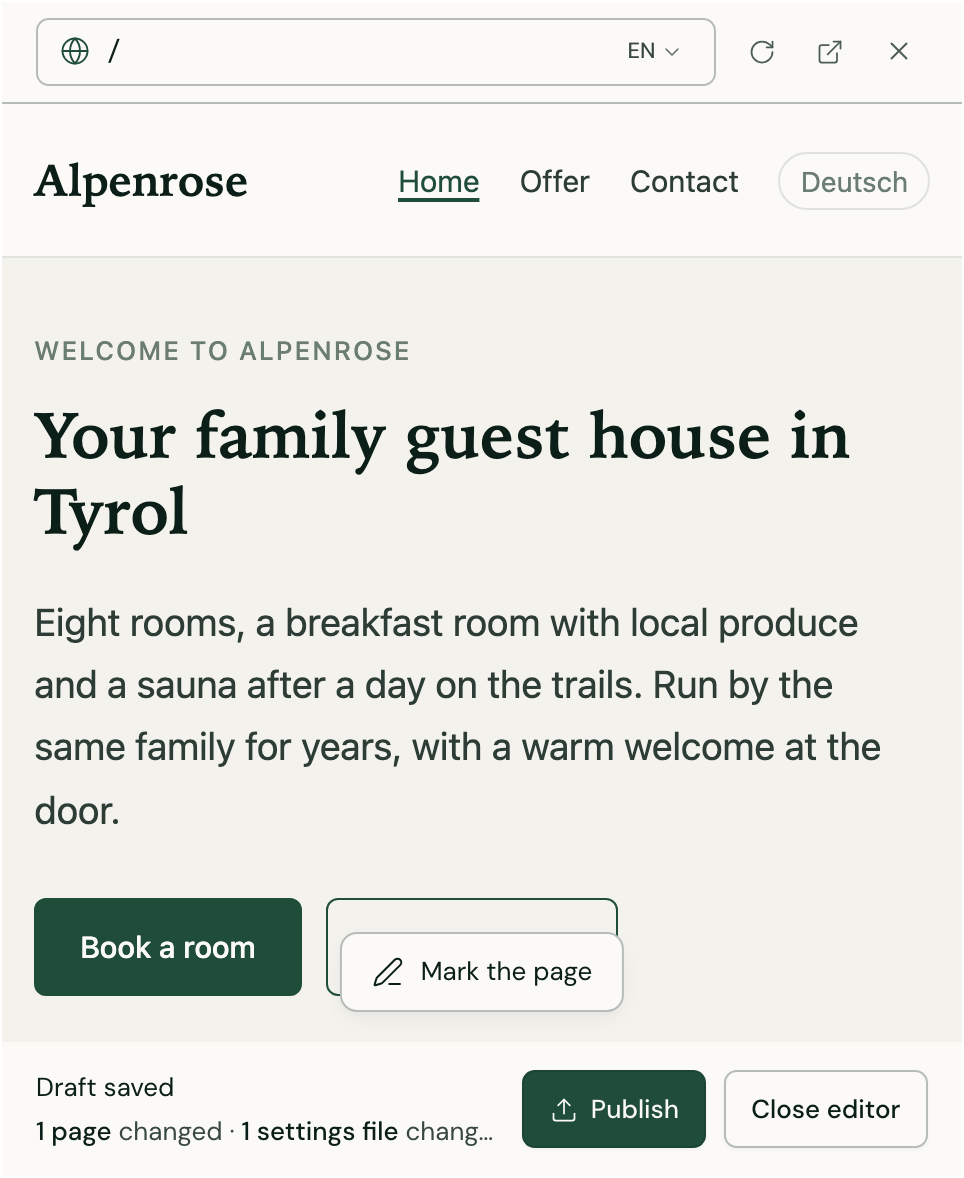
A site is a website that Discontinue hosts for your workspace at an address of its own. You describe what you want in chat, and the site editor changes the site and shows it in a preview beside the conversation. Your work stays a draft until an admin publishes it as the next release. Visitors only ever see the newest release. An agent can keep a site current, for example with this week's offer.
Draft
The changes you make in a conversation.
Release
An admin publishes the draft as the next release.
Live
Visitors only ever see the newest release.
What you can do
- Create a site in chat: name it, start from a template and build the first draft.
- Drafts and releases: what a draft is, how long it keeps and what your next edit does.
- Publish and restore: put a draft live as the next release, continue a draft and bring an earlier release back.
- Choose who can see a site: keep a site to your workspace or behind a password.
- Add your own domain: show the site at a domain such as
www.yourhotel.com. - Set up forward rules: let the site call a service that refuses calls from other websites.
- Put a site in several languages: keep one page per path with a words file for each language.
- Include other sites: let another team look after some of a site's pages.
- Use files from Files: bring in photos, a logo or a whole existing website.
- Let an agent keep a site current: grant a site to an agent and decide what it may publish.
- Reference: every rule, limit and term in one place.