

Add your own domain
Who can do this: admins. You need access to the DNS settings of your domain.
Your domain then shows the site's live release. The site's discontinue.app address keeps working too.
Steps
-
Open the site's Advanced tab. Under Your own domain, type a subdomain such as
www.yourhotel.comand select Add.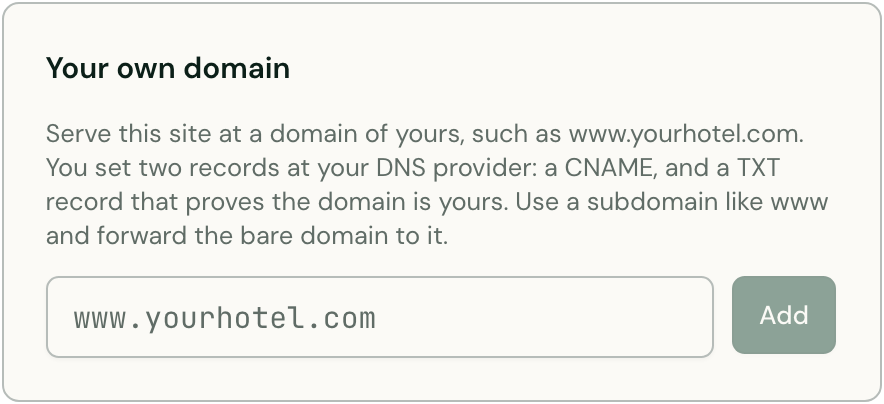
The Your own domain section, where you type the domain and select Add. -
The section now shows two records. Set both at your DNS provider. Each name and value has a copy button.
Type Name Value CNAME www.yourhotel.comcustomers.discontinue.appTXT _discontinue.www.yourhotel.comthe code Discontinue shows for your domain -
Wait for the check. Discontinue checks every two minutes, and Check now checks at once.
-
The status changes from Waiting for DNS to Active. Your site is now live at your domain, with a certificate that Discontinue renews.
-
At your DNS provider, forward the bare domain, such as
yourhotel.com, towww.yourhotel.com. Most providers do not allow a CNAME record on a bare domain.
Good to know
- Keep both records. Without the TXT record, the domain no longer counts as yours.
- To stop using the domain, select Remove. The domain stops showing the site within about a minute. Then you can delete both records.
If something goes wrong
- The status says Failed. The section names the problem. Fix the record and select Check now, or remove the domain and add it again.
- A domain that is not active within 7 days is removed. Add it again.
The rules behind this task are in the reference, under Addresses.