

Create a report in chat
Who can do this: everyone in the workspace. The data must be in a system connected under Connectors.
The report builder writes the report in chat and shows it beside the conversation. It becomes one of your reports only when you save it.
Steps
-
On the Reports page, select New report. A conversation opens and asks what the report should show.
-
Describe the report in one message: the data, the period and what you want to see. An example is "Arrivals and departures for the next 7 days, a key figure for each and a bar chart of arrivals per day."
-
Wait for the report builder. The conversation shows its progress as Report builder, and the report opens in a panel beside it.
-
Check the report in the panel. Preview shows it on today's data. Email shows the email a recipient gets.
-
Ask for changes in the conversation until the report looks right. Each change makes a new version, and the panel shows the newest one.
-
Select Save Report under the preview. The report page opens and the report runs once.
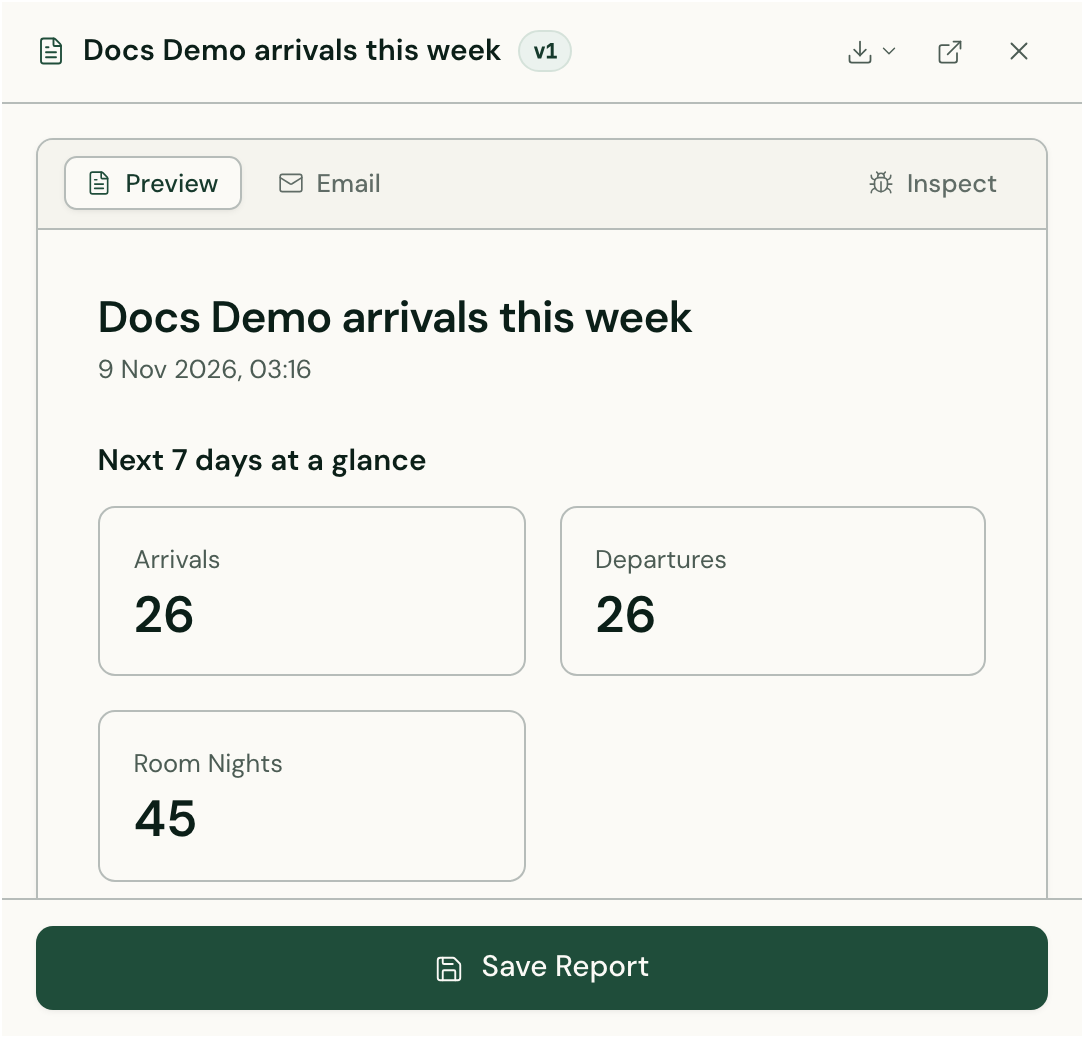
The report beside the conversation, with Save Report under the preview.
Good to know
- You can also ask for a report in any conversation. Chat hands the work to the report builder in the same way.
- The report builder follows the workspace's Output style, such as number formats or chart colors. An admin sets it in Workspace settings.
- Building and changing a report uses AI credit. Running it does not, apart from what a connected system bills per call, such as Oracle OPERA Cloud.
If something goes wrong
- A report you did not save is not on the Reports page. Open the conversation again from History in chat and select Save Report.
- The panel says "Preview couldn't run". Tell the report builder in the conversation, and it repairs the report as a new version.
The rules behind this task are in the reference, under Building a report and What a report holds.